Droople technology
Connect to any water point
Sensors clip onto your pipes or machines. A small box called iLink sends the data. The droopleOS platform turns it into alerts, reports and tasks.
In the app
What your team sees
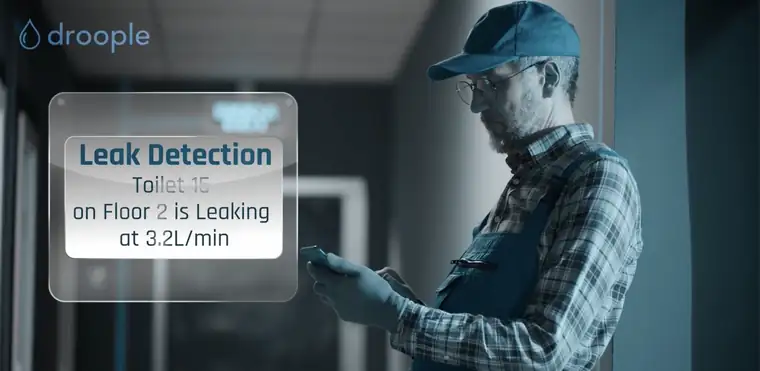
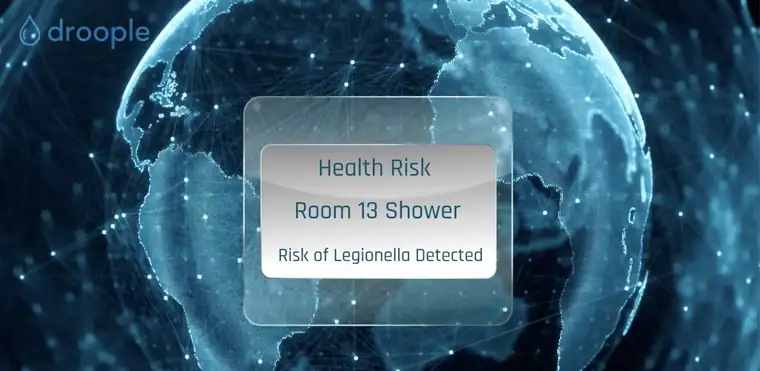
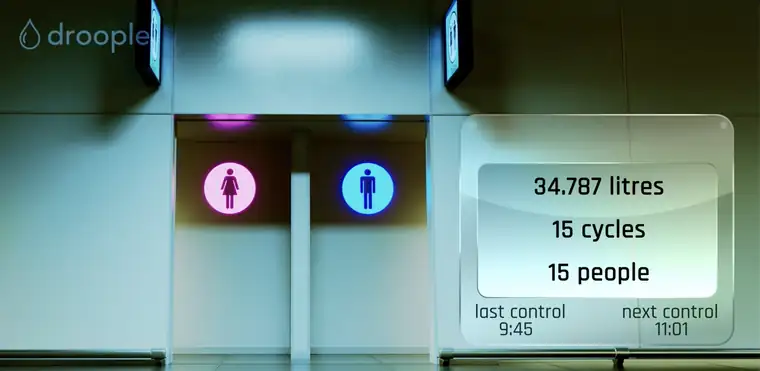
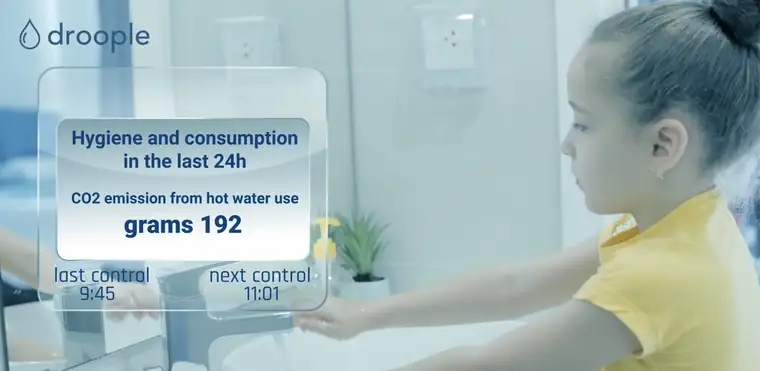

The devices
iLink Drop & iLink Hub
iLink Drop
Runs on battery, for places with no power socket. Uses a LoRa radio network.
iLink Hub
Plugs into a power socket and sends data over the mobile network. No Wi-Fi needed.
Up to 3 sensors per iLink
Each iLink reads its sensors and sends the data to the platform.
Sensors
One kit, many water assets
Flow mono
Water use and number of uses, with an indication of temperature, on small to large pipes.
Flow twin
Hot and cold water use on taps, showers and machines with two inlets.
Conductivity
Water hardness and quality, to protect machines and change filters at the right time.
CO2 pressure
Pressure in the CO₂ bottle, with an alert to reorder in time.
Water pressure
Pressure in pipes, or across a filter to see when it clogs.
Metering and sub-metering
From the building’s main meter down to each tap, for remote reading and billing.
droopleOS
The platform behind every app
Alarms you can tune
Leak and anomaly alerts are on by default. You can adjust them per site and asset.
Device status
Status of every connected device, with notifications.
Connects to your systems
API and building management system (BMS) links, or the Droople dashboards on any device.
Avoid water damage
Find leaks early. Water damage is one of the biggest causes of property insurance claims.
Service on real use
Plan servicing, cleaning and consumables on real use, not fixed schedules.
Sustainability reports
Measured data for ESG reports, BREEAM and LEED.
Getting started
Up and running in four steps
Install
Fit the sensor on the existing pipe or machine.
Connect & configure
Scan the iLink’s QR code to link it to your asset.
Open the app
Use droopleOS straight away, or connect it to your ERP or other tools by API.
Act on alerts
Alerts, plus service and cleaning plans based on real use.
FAQ
Frequently asked questions
How do I access the app?
Log in at app.droople.com with the credentials you received.
Which connectivity should I choose?
iLink Drop uses a LoRa gateway connected by 4G, Wi-Fi or Ethernet. iLink Hub uses the mobile network directly. We choose together for your site.
How do I install and configure a device?
Quick-start guides and videos are on droople.readme.io. Each iLink has a QR code that opens its settings.
Who can I contact for help?
See droople.readme.io, or contact us directly.